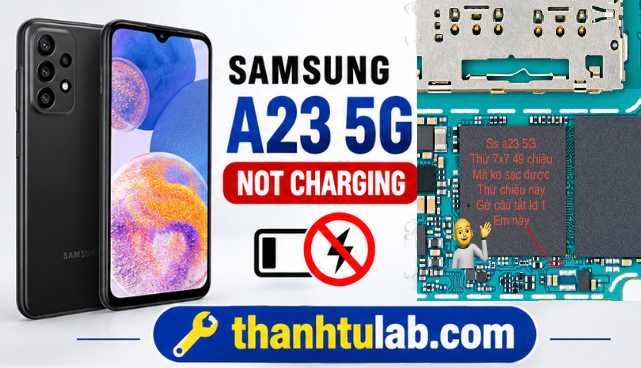
Samsung Galaxy A23 5G Not Charging – Charging Path Inspection and Board-Level Repair
The Samsung Galaxy A23 5G may experience charging problems such as no charging response, failure to detect the charging cable, or a battery that does not increase its charge level.When troubleshooting this issue, technicians should inspect the charging system step by step, starting with external accessories before moving on to motherboard diagnostics.
The inspection process includes:
- Testing the charging adapter and USB cable.
- Inspecting and cleaning the USB-C charging port.
- Checking the charging connector assembly and battery.
- Measuring the charging path and inspecting related motherboard components.
- Identifying the faulty area before performing component-level repairs.
For motherboard-related charging faults, accurate measurements are necessary before repairing circuit traces or replacing components.
After the repair, verify charging detection, input current, and charging stability.
This article shares a Samsung Galaxy A23 5G charging fault case and motherboard troubleshooting approach for mobile phone repair technicians.